
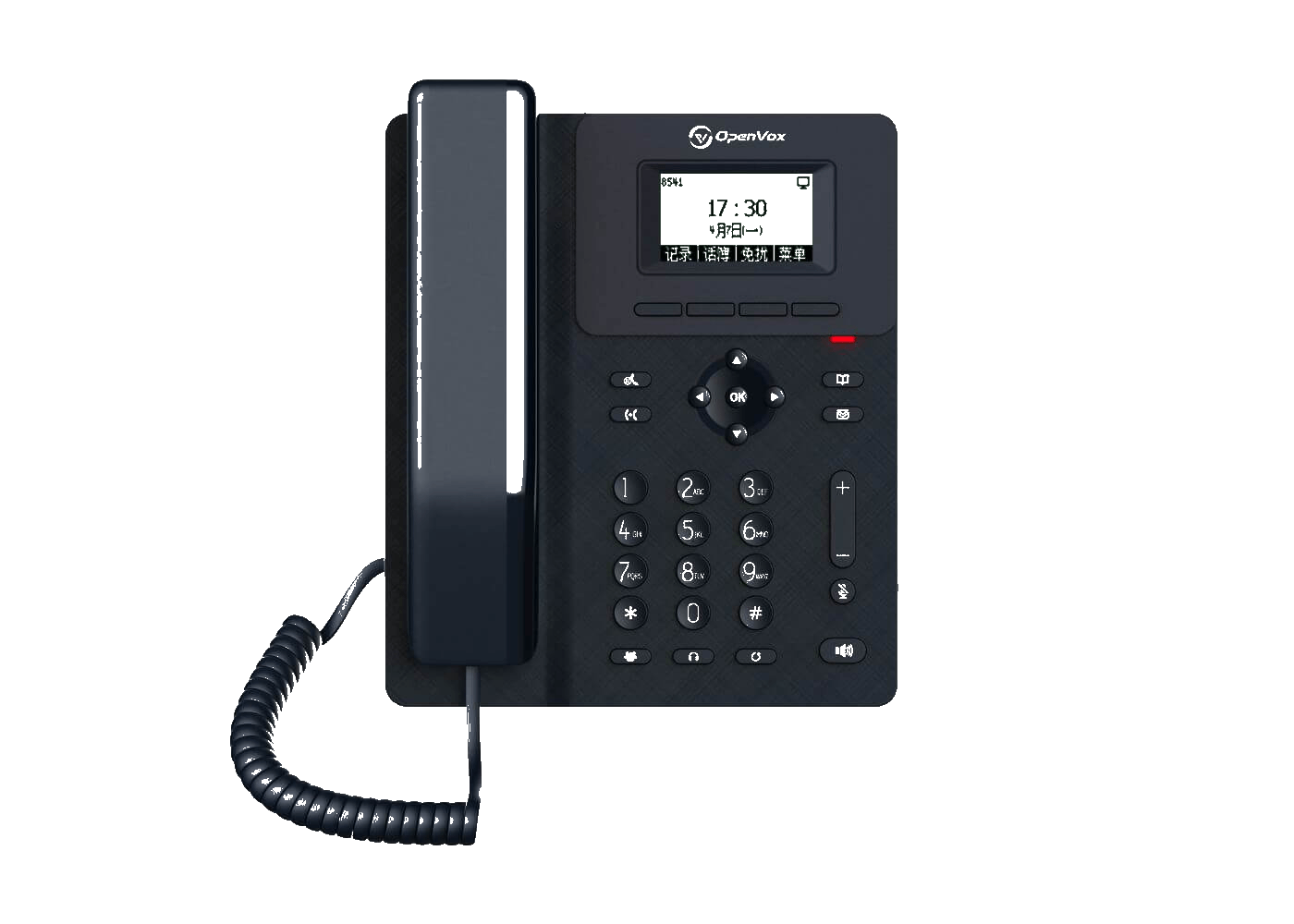
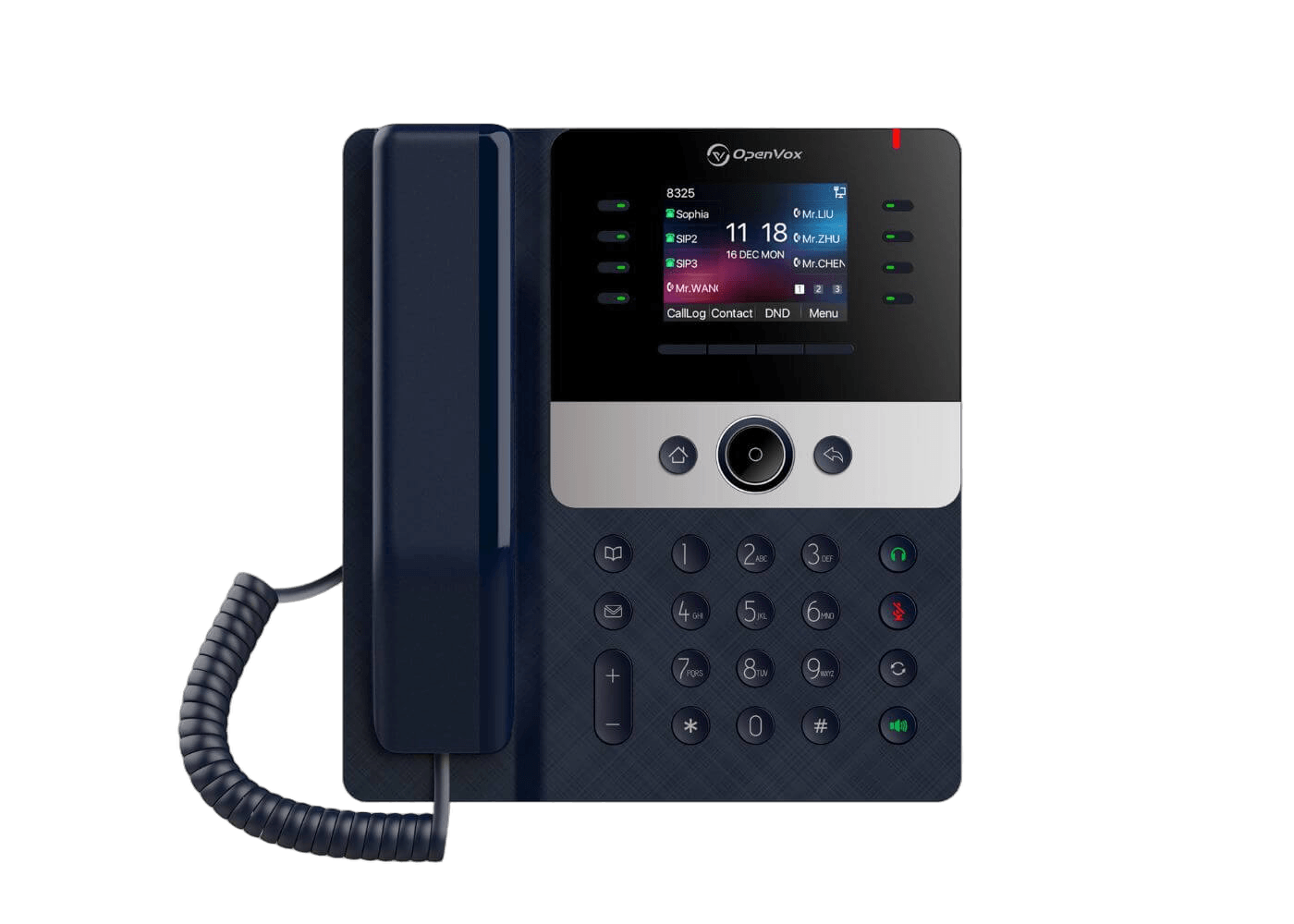
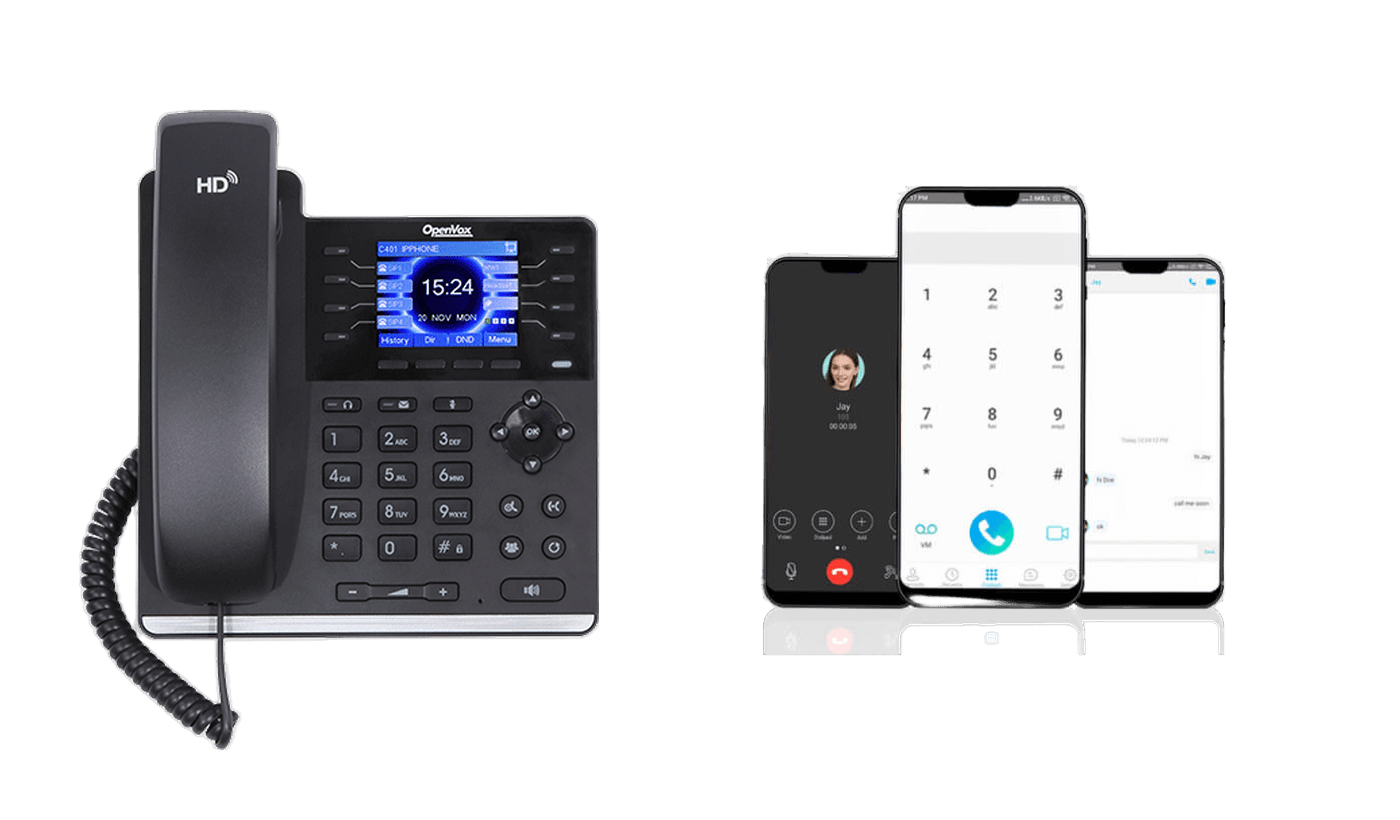
OpenVox C220 IP Phone

OpenVox C220 IP phone

Simple, reliable SIP desk phones for offices that still prefer a physical handset on selected desks. Choose C220 for compact daily calling, or C421 when the workspace needs more SIP lines, a color display, and gigabit network access.

How an IP phone works in your office

A C Series phone is the physical handset on the desk. It connects to the office network by Ethernet, can receive power through PoE, and registers to a PBX or hosted voice platform as a SIP extension so the user can make and receive calls.

  • The PBX or hosted voice platform manages the calling service; the C Series phone is the user endpoint.
  • The Ethernet cable carries network connectivity, and PoE can power the phone when the switch supports it.
  • After SIP registration, the user gets a familiar handset, display, keypad, and line-key workflow at the desk.
OpenVox C Series IP phone office network placement

Desk calling capabilities for everyday SIP use

These are the capabilities C220 and C421 deliver at the desk before comparing model hardware: SIP registration, line handling, HD voice, conferencing, PoE deployment, PC passthrough, directory access, and headset-ready calling.

2 / 12SIP lines

SIP registration and line handling

Register the phone as a SIP endpoint on a PBX or hosted voice platform, then choose the model by the number of lines the desk needs to handle.

  • Use SIP line count as the first filter before comparing display, Ethernet speed, and key workflow.
Proof chips
  • C220: 2 SIP lines
  • C421: 12 SIP lines
6-wayconference

HD voice with 6-way conference

Both models provide HD handset and speaker audio, wideband G.722 and Opus codecs, and 6-way audio conference for daily office conversations.

  • Use either model when the requirement is dependable desk audio with conference support.
Proof chips
  • HD handset and HD speaker
  • G.722 and Opus
PoEdesk power

PoE networking with PC passthrough

Use one network drop for the phone and a connected PC. C220 covers 10/100 Mbps desk access, while C421 adds dual gigabit ports for higher network requirements.

  • PoE support helps reduce desktop power cabling where PoE switching is available.
Proof chips
  • C220: 10/100 Mbps
  • C421: 10/100/1000 Mbps
1000phonebook entries

Desk workflow, directory, and headset support

Give users local and remote phonebooks, call logs, headset modes, XML browser support, and a familiar handset-keypad workflow at the desk.

  • Use shared directory and headset support to keep desk workflows consistent across both models.
Proof chips
  • Local phonebook: 1000 entries
  • XML/LDAP remote phonebook and 1000-entry call logs

Where C Series phones belong in the office

Use C Series phones as fixed SIP endpoints where a physical handset, keypad, speakerphone, directory access, and managed desk presence are still the clearest fit.

Shared and light-use desks

  • Place C220 at shared areas, service counters, reception backup positions, and light-use desks.
  • Keep the desk experience simple with 2 SIP lines, HD voice, PoE, speakerphone, and headset support.
  • Let the PBX or hosted voice platform handle service logic while the phone provides the user endpoint.

Active call-handling desks

  • Use C421 where 12 SIP lines, DSS keys, a color display, and gigabit Ethernet support busier call handling.
  • Support users who rely on line status, speed dial, BLF-style keys, and a richer on-device interface.
  • Mix C220 and C421 across the site without changing the SIP calling, directory, or provisioning foundation.

Managed multi-site rollout

  • Use local phonebook, XML/LDAP remote phonebook, and 1000-entry call logs to keep desk workflows consistent.
  • Use FTP, TFTP, HTTP, HTTPS, DHCP OPT66, SIP PNP, and TR-069 provisioning for repeatable deployment.
  • Use VLAN, LLDP, QoS, VPN, secure SIP transport, SRTP, logs, and firmware tools for ongoing administration.

C Series IP Phone Comparison

Compare the selection points that matter on the website. Use the datasheet for detailed codec, packaging, and environmental specifications.

SpecificationC220C421
Recommended Applications
Typical useShared spaces and light-use desksBusy desks with multi-line call handling
Desk Hardware
SIP accounts / lines2 SIP lines12 SIP lines
Display2.3-inch 132x64 pixel dot-matrix screen2.8-inch 320x240 color screen
Programmable keysDSS and soft keys21 DSS keys plus soft keys
Ethernet2 x RJ45, 10/100 Mbps2 x RJ45, 10/100/1000 Mbps
PoEIEEE 802.3af PoE
Voice & Call Handling
HD voiceHD handset, HD speaker, G.722 and Opus
Conference6-way audio conference
Call handlingHold, transfer, forward, DND, redial, hotline, and multicast
PhonebookLocal 1000-entry phonebook plus XML / LDAP remote phonebook
Desk workflowSoft keys, XML browser, call logs, SMS, and voice messageDSS keys, BLF, XML browser, call logs, SMS, and voice message
Management & Security
Auto provisioningFTP / TFTP / HTTP / HTTPS / DHCP OPT66 / SIP PNP / TR-069
Network controlVLAN, LLDP, QoS, IPv4 / IPv6, and redundant SIP servers
SecuritySIP TLS, SRTP, 802.1x, AES128 / AES256, L2TP, and OpenVPN

Need help choosing between C220 and C421

Share your PBX or hosted platform, PoE plan, workspace requirements, and expected model mix. OpenVox can help confirm the right desk-phone selection before rollout.