
Capacity ladder
Scale from UC120P at 100 users and 15 concurrent calls to UC1000 at 500 users and 80 concurrent calls.
A practical UC IPPBX family for SOHO, SMB, and branch deployments, with SIP, PSTN, and mobile-ready access plus web management, IVR, recording, and daily call control.
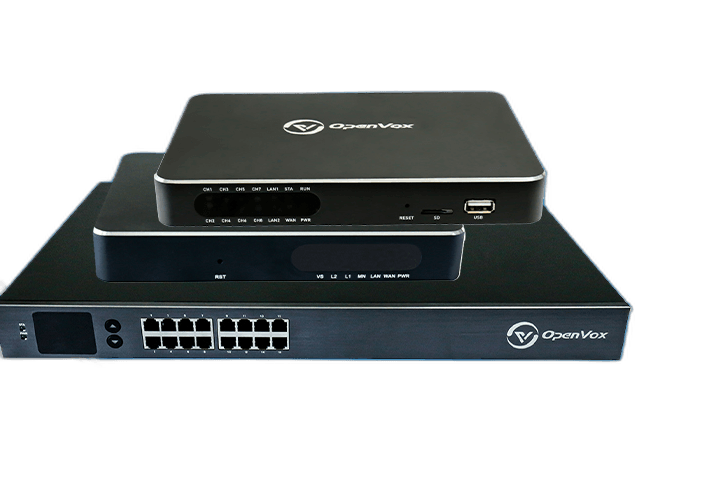
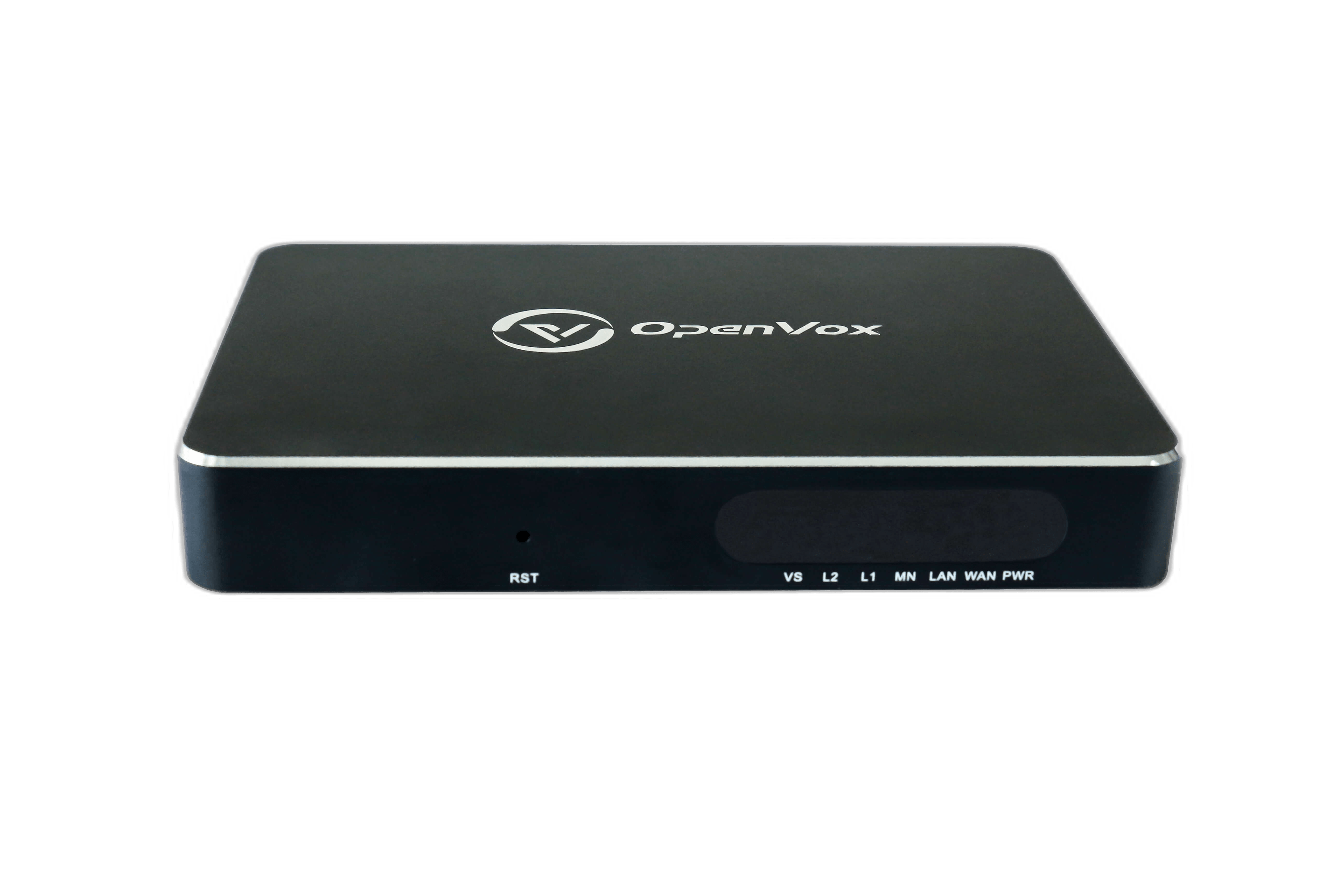
Compact IPPBX for SOHO and small business deployments that need SIP, analog lines, and mobile-ready variants in a desk-side form factor.
Use the three-card view as a quick decision layer before reading the full comparison table.
UC120P
Start with UC120P when a small office needs SIP calling, analog access, and a compact deployment footprint.
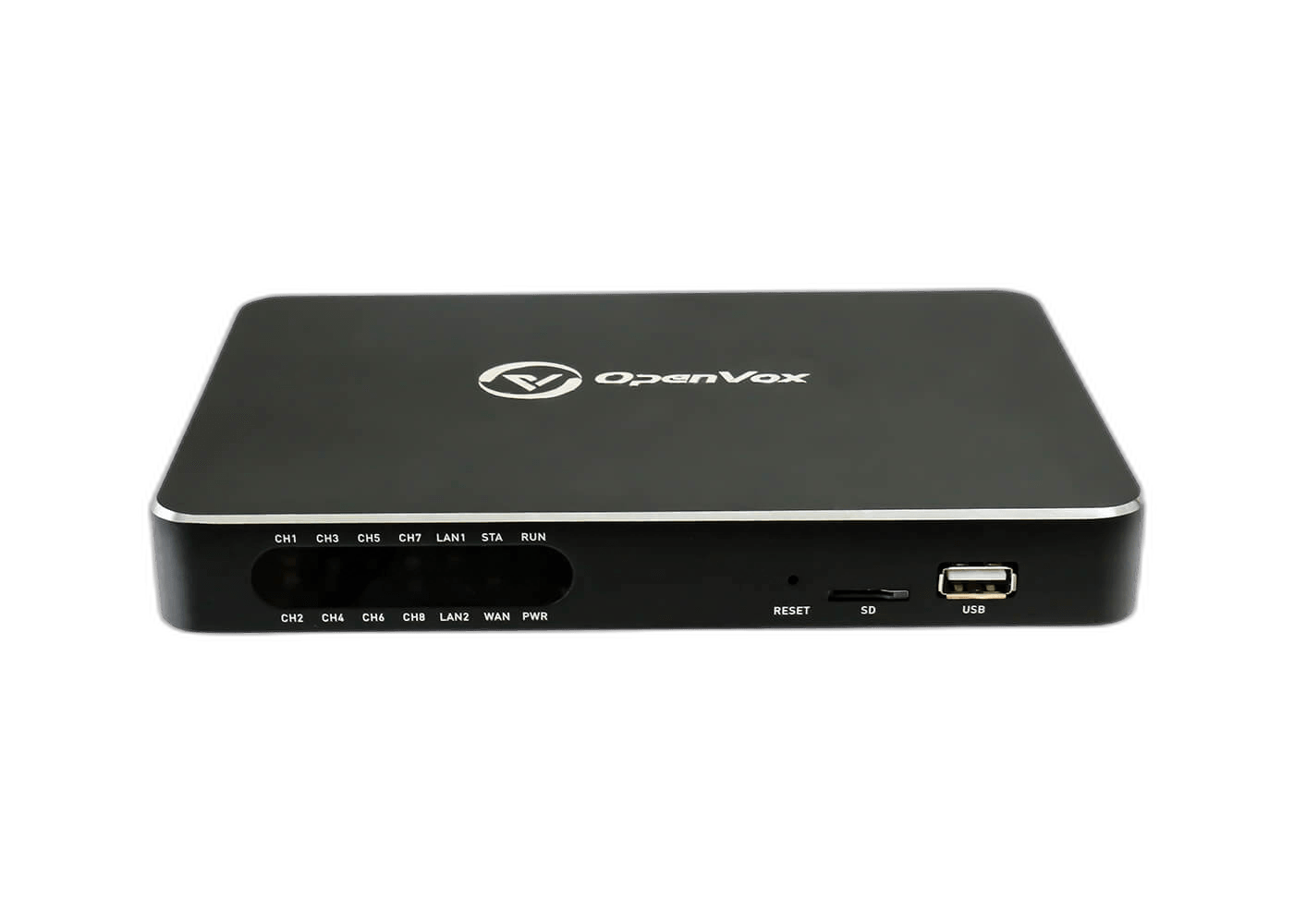
UC200
Move into UC200 when a branch needs more FXS and FXO flexibility for office growth and mixed IP/PSTN calling.
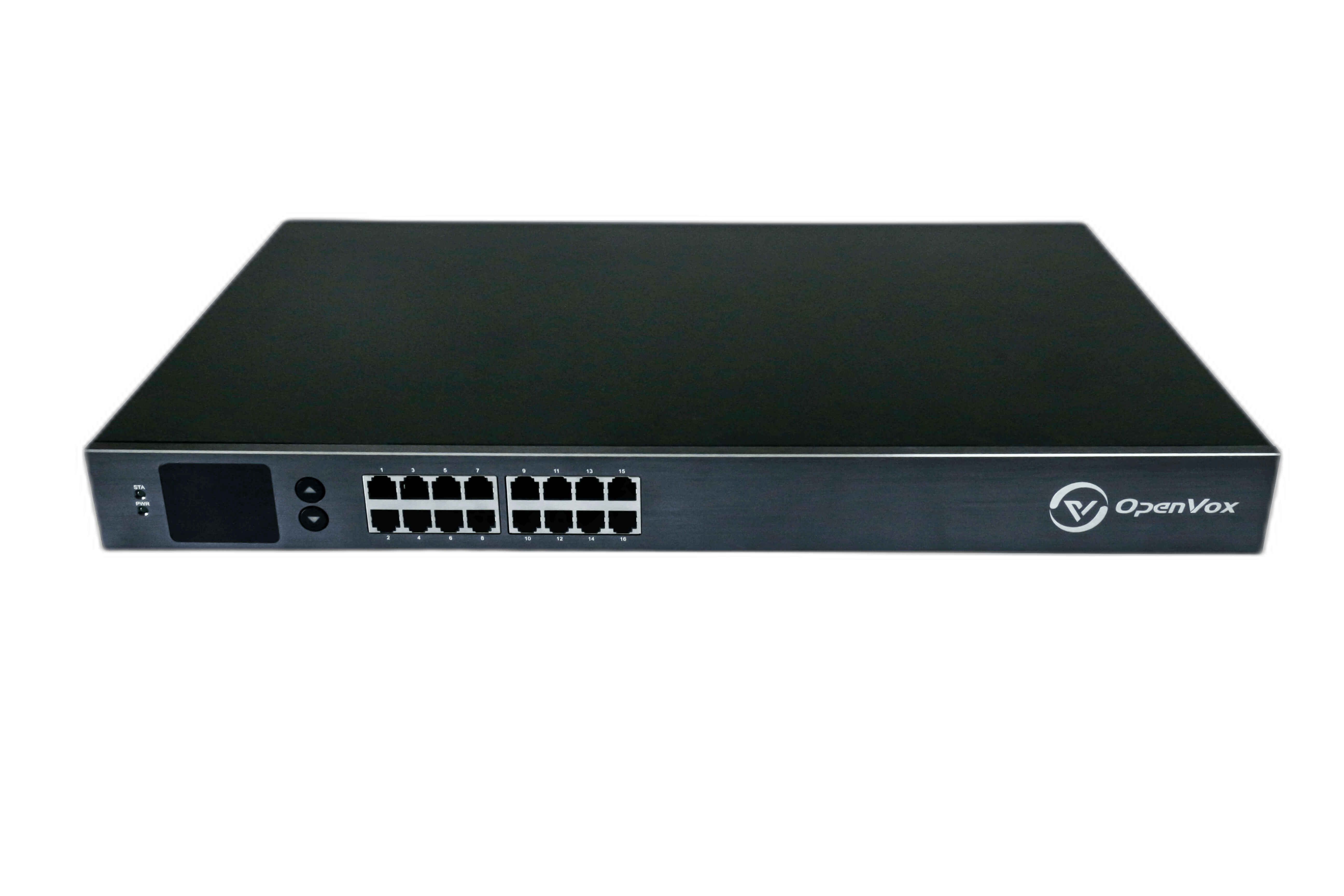
UC1000
Adopt UC1000 when user count, concurrency, and analog density need to scale inside the same UC family.
Keep the capability story focused on access, call control, branch operations, and the integration checks buyers need before model selection.
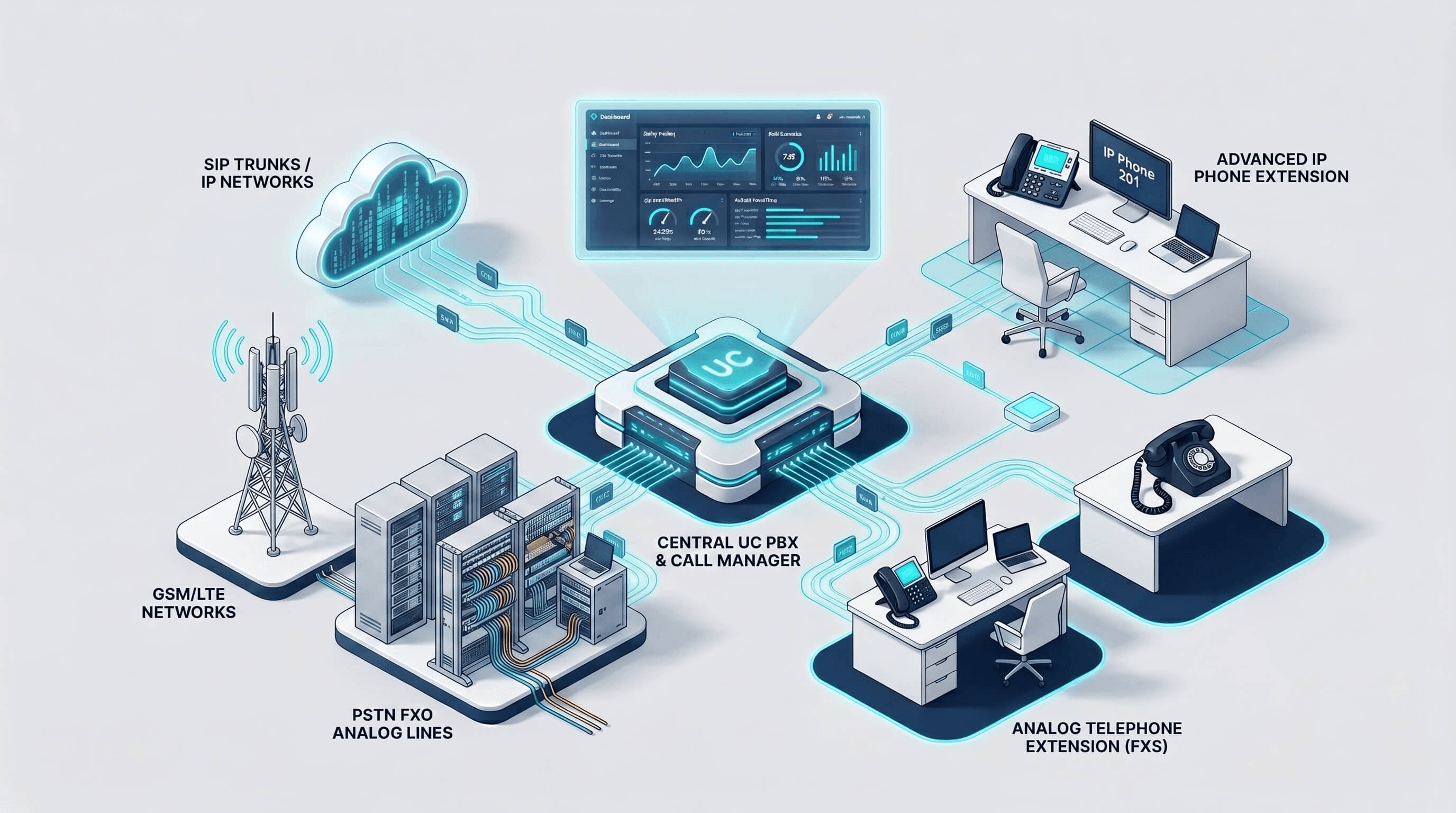
Combine SIP trunks, analog endpoints, and legacy office lines in one UC platform for practical migration and daily business calling.
Cover extensions, IVR, routing, recording, and routine office call handling inside one appliance family sized for business sites.
Deploy the UC family across SOHO, SMB, and branch offices with a consistent call-control model and straightforward site expansion path.
Use the web GUI for daily administration while keeping an integration-ready path for SIP environments, IMS, Asterisk, and UC1000 API workflows.
Scale from UC120P at 100 users and 15 concurrent calls to UC1000 at 500 users and 80 concurrent calls.
Move from compact FXS/FXO access to higher analog density while keeping the same UC-series positioning.
UC200 and UC1000 source material list an open application programming interface for integration-oriented deployments.
Keep IMS, Asterisk, and SIP-oriented compatibility as an evaluation point for final datasheet confirmation.
Use the UC Series as the office voice layer that connects SIP trunks, analog lines, extensions, and routine administration without separating deployment planning from day-to-day operations.
SIP trunks, analog PSTN, FXS/FXO endpoints, and the UC120P GSM/LTE option help teams plan mixed IP and legacy access.
IVR/auto attendant, inbound routing, hunt groups, and time-based handling keep office call flows clear for customers and staff.
Manage extensions, trunks, CDR, recording, backup, firmware, logs, and packet capture from the operations workflow.
Keep IMS, Asterisk, mainstream SIP compatibility, and MQTT API readiness for UC200 and UC1000 in the same evaluation path.
Use the function-focused matrix below after the hardware selector to compare call control, access, management, security, and integration coverage.
| Feature Group | UC120P | UC200 | UC1000 |
|---|---|---|---|
| Call Control | |||
| Extension management | Yes | Yes | Yes |
| IVR / Auto attendant | Yes | Yes | Yes |
| Hunt group / ring group | Yes | Yes | Yes |
| Call forwarding | Yes | Yes | Yes |
| Call waiting / hold / transfer | Yes | Yes | Yes |
| Call queue / attendant handling | Yes | Yes | Yes |
| Routing And Access | |||
| SIP trunks | Yes | Yes | Yes |
| IAX2 trunks | Yes | Yes | Yes |
| Analog PSTN trunks | Yes | Yes | Yes |
| Analog station trunks | Yes | Yes | Yes |
| DID / inbound routing | Yes | Yes | Yes |
| Time-based / policy routing | Yes | Yes | Yes |
| WebRTC | Yes | Yes | Yes |
| Management And Maintenance | |||
| Web GUI management | Yes | Yes | Yes |
| Local CDR and call statistics | Yes | Yes | Yes |
| Call recording | Yes | Yes | Yes |
| Configuration backup / upload | Yes | Yes | Yes |
| Firmware online update | Yes | Yes | Yes |
| Syslog and SIP/RTP packet capture | Yes | Yes | Yes |
| Security And Integration | |||
| HTTPS / SSH administration | Yes | Yes | Yes |
| SIP TLS / SRTP | Yes | Yes | Yes |
| Blacklist / whitelist | Yes | Yes | Yes |
| Call permission control | Yes | Yes | Yes |
| IMS / Asterisk compatibility | Yes | Yes | Yes |
| LDAP | - | - | Yes |
| API | Yes | Yes | Yes |
| SMS | Yes | - | - |
Keep the next step practical: verify specifications, collect rollout documents, download firmware, and open technical support paths from the same UC evaluation section.
Resources
Documentation hub for manuals, rollout references, quick-start material, and supporting guides that help teams prepare UC deployment and maintenance work.
Resources
Official datasheet library to confirm capacity, interfaces, and hardware baselines before final model selection or project quotation.
Resources
Firmware and maintenance packages for system updates, post-rollout upkeep, and version alignment across deployed UC systems.
Support
Submit technical cases when deployment scope, interoperability, or after-sales troubleshooting needs direct engineering follow-up.