Try live demo

SMS Gateway

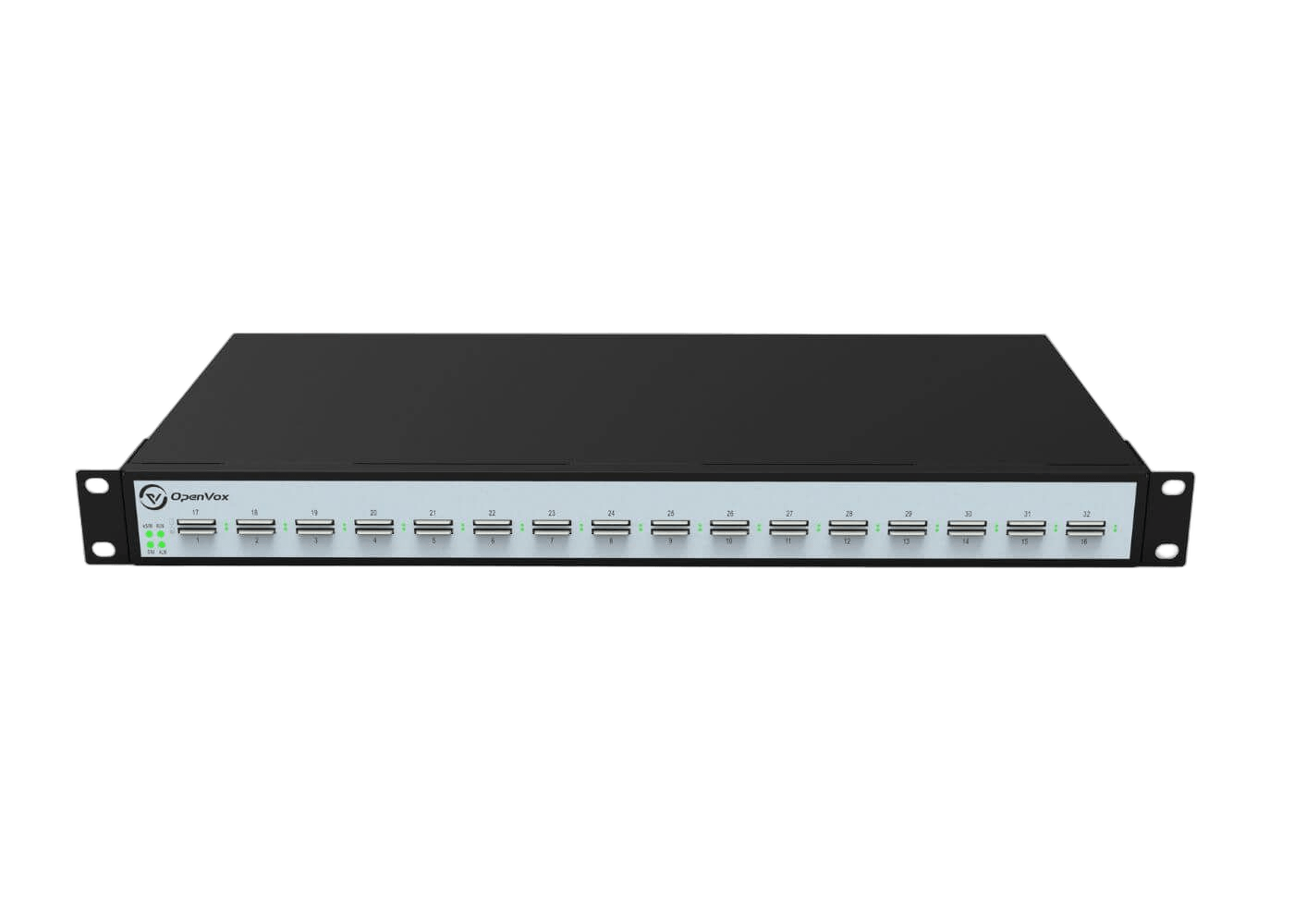
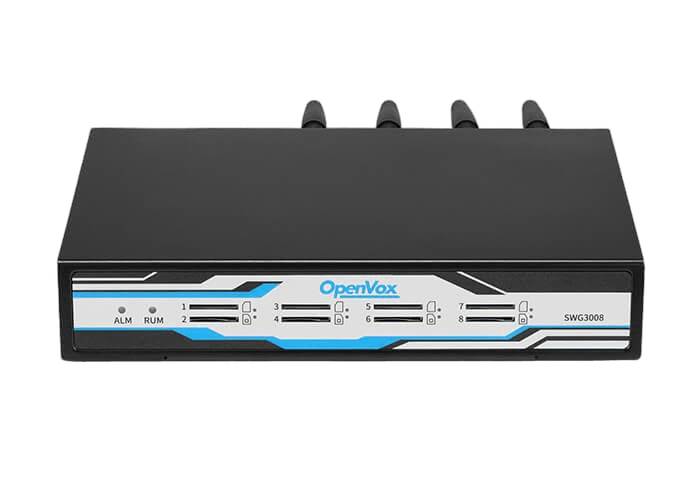
Private SMS automation for OpenVox GSM/LTE gateways. Centralize sending, routing, delivery tracking, and API workflows in one secure console.

OpenVox SMS Gateway dashboard interface

Deploy in one command

curl -fsSL https://sms.openvox.cn/install | sudo sh

Before you deploy, check supported systems and versions.

Try the live demo

SMS Gateway web management demo

Preview the SMS Gateway web management interface and understand the administration workflow before deployment planning.

Open live demo
Username: admin Password: SMS@openvox
How it works

How SMS Gateway works with OpenVox gateways

OpenVox gateways provide GSM/LTE connectivity. SMS Gateway adds centralized control for routing, delivery, and traceability.

01.

Connect gateway resources

Register OpenVox GSM/LTE gateways and keep device, port, and SIM status visible before message traffic starts.

02.

Route message traffic

Apply rules by sender, keyword, device, port, and priority so inbound SMS reaches the correct destination.

03.

Deliver with traceability

Forward SMS to email, webhooks, REST API consumers, or operations teams while preserving delivery history.

Every message remains traceable from OpenVox gateway port to final workflow.

Explore the SMS Gateway interface

Review the core screens used to send SMS, manage routing, configure OpenVox gateways, and connect systems through API workflows.
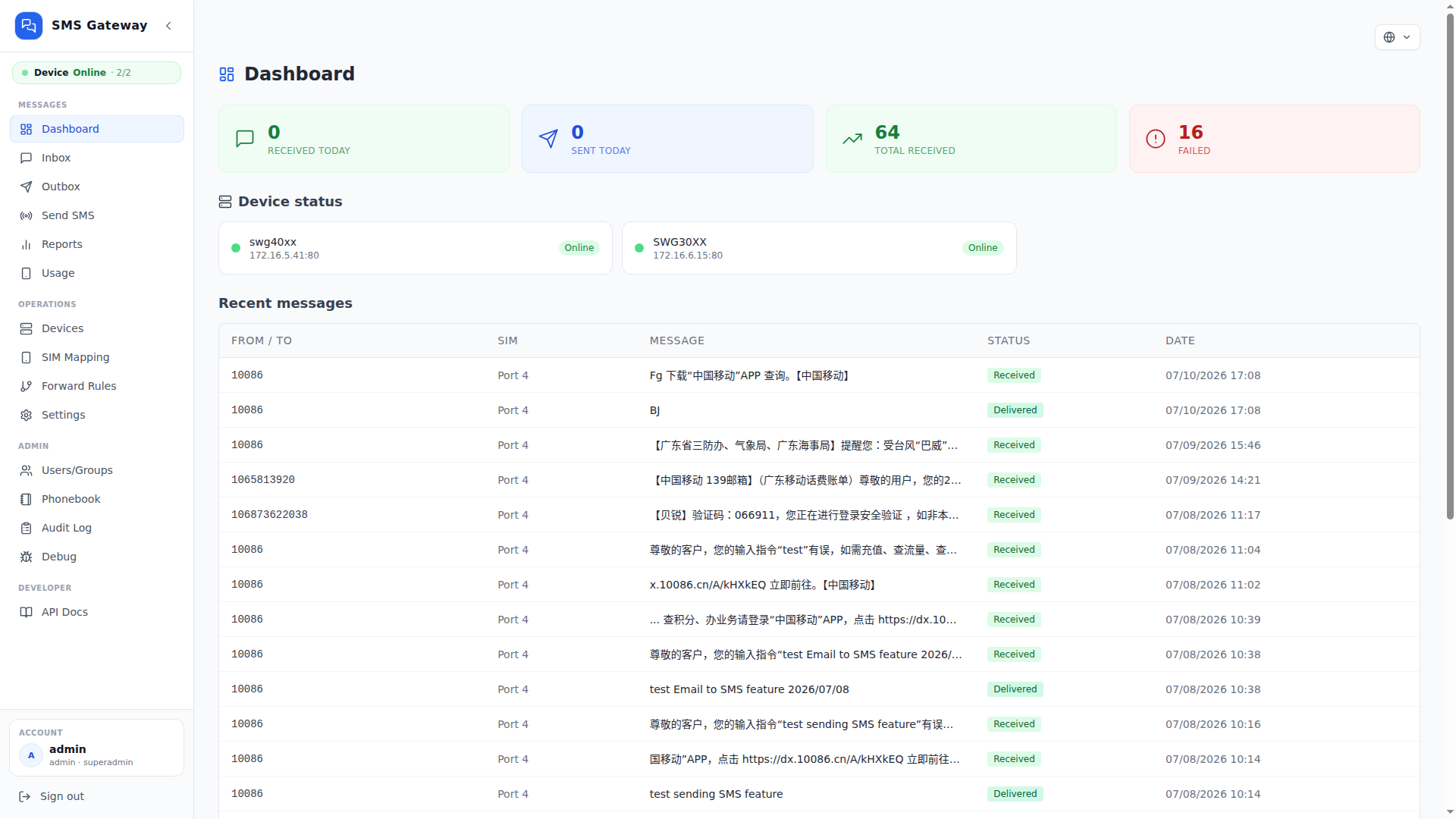
DashboardLive traffic, port status, gateway health.
OpenVox SMS Gateway Dashboard interface
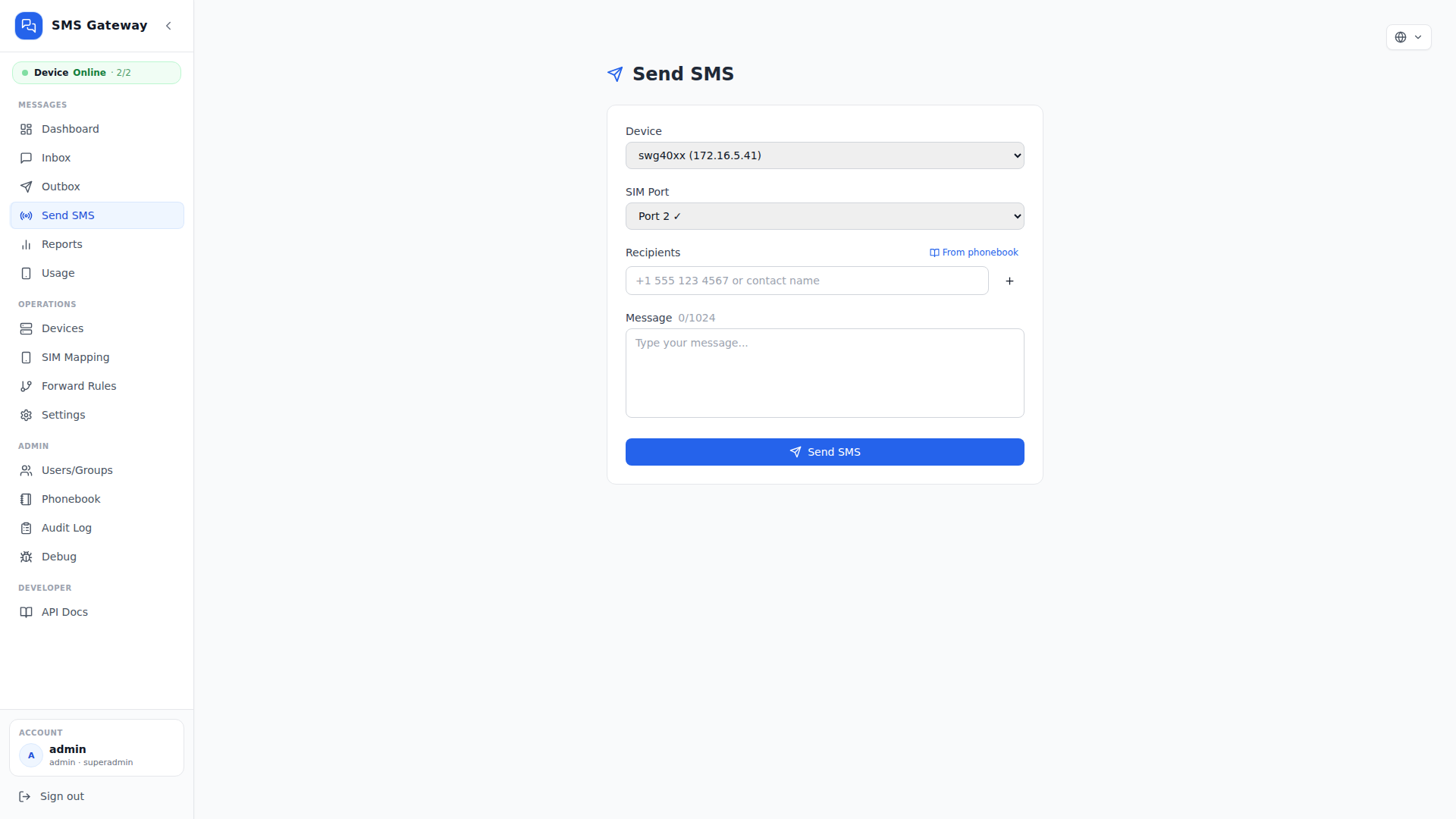
Send SMSRecipient, SIM port, message control.
OpenVox SMS Gateway Send SMS interface
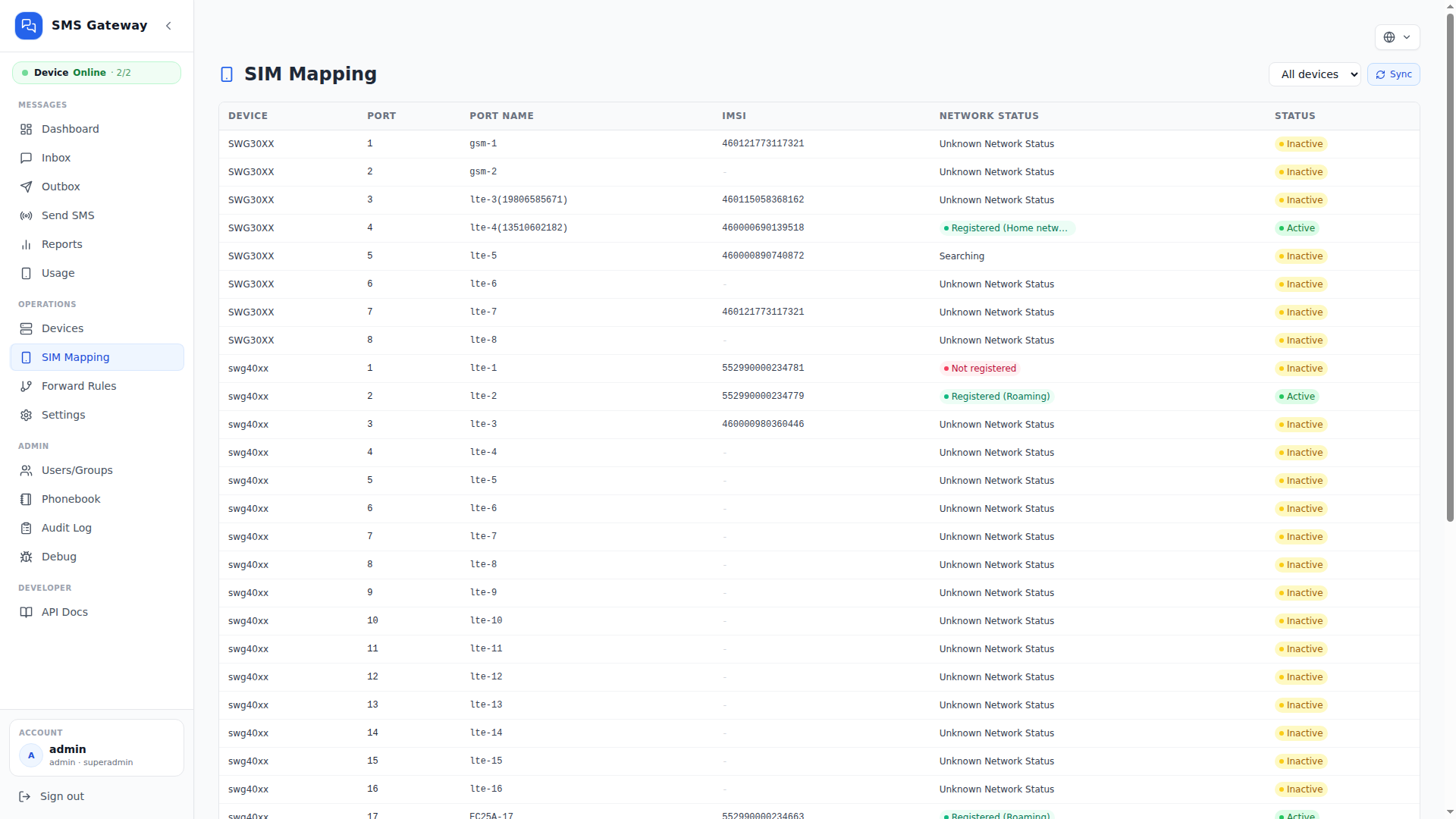
SIM MappingMap OpenVox SIM ports for routing.
OpenVox SMS Gateway SIM Mapping interface
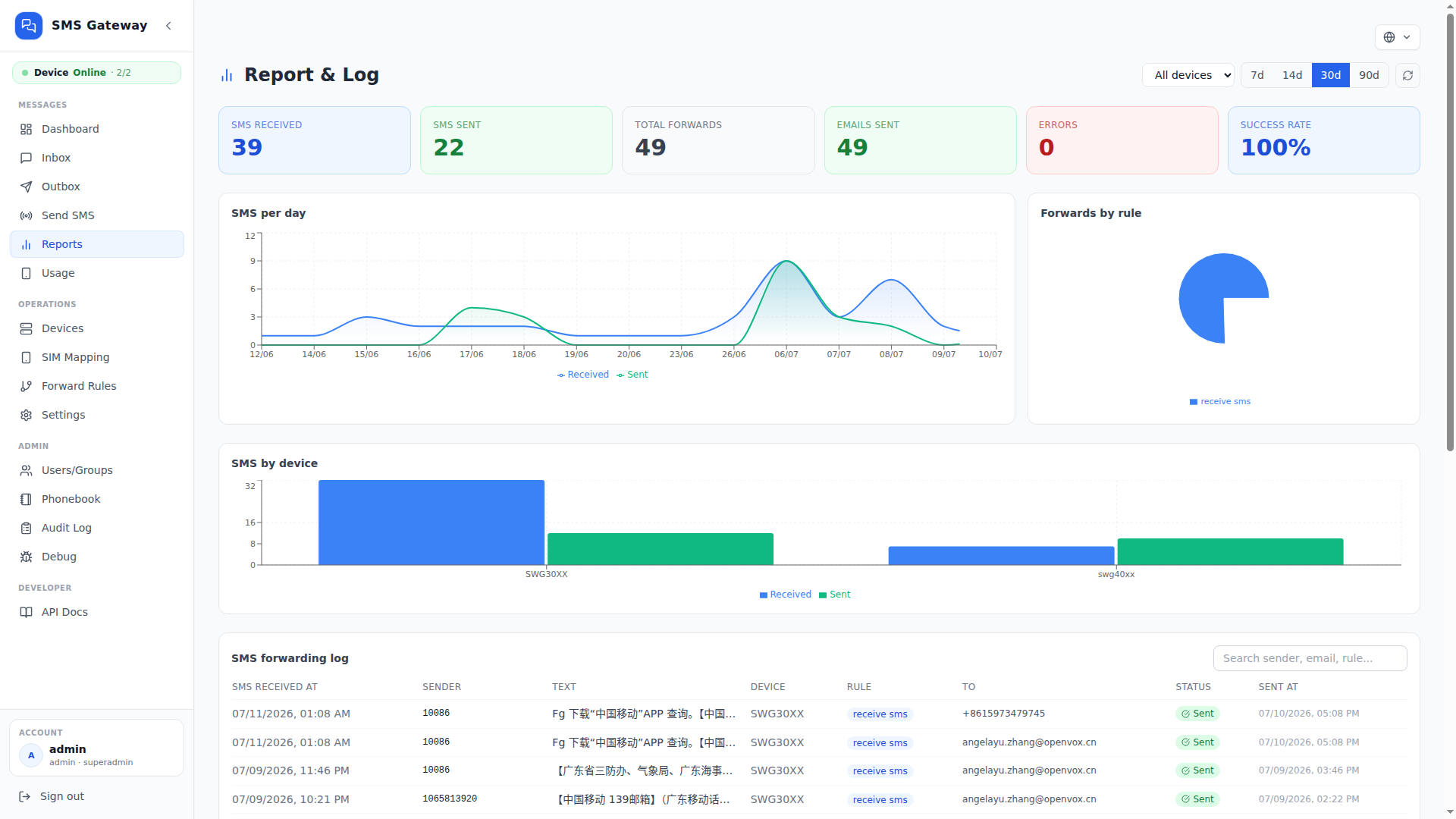
ReportsSearch delivery history and outcomes.
OpenVox SMS Gateway Reports interface
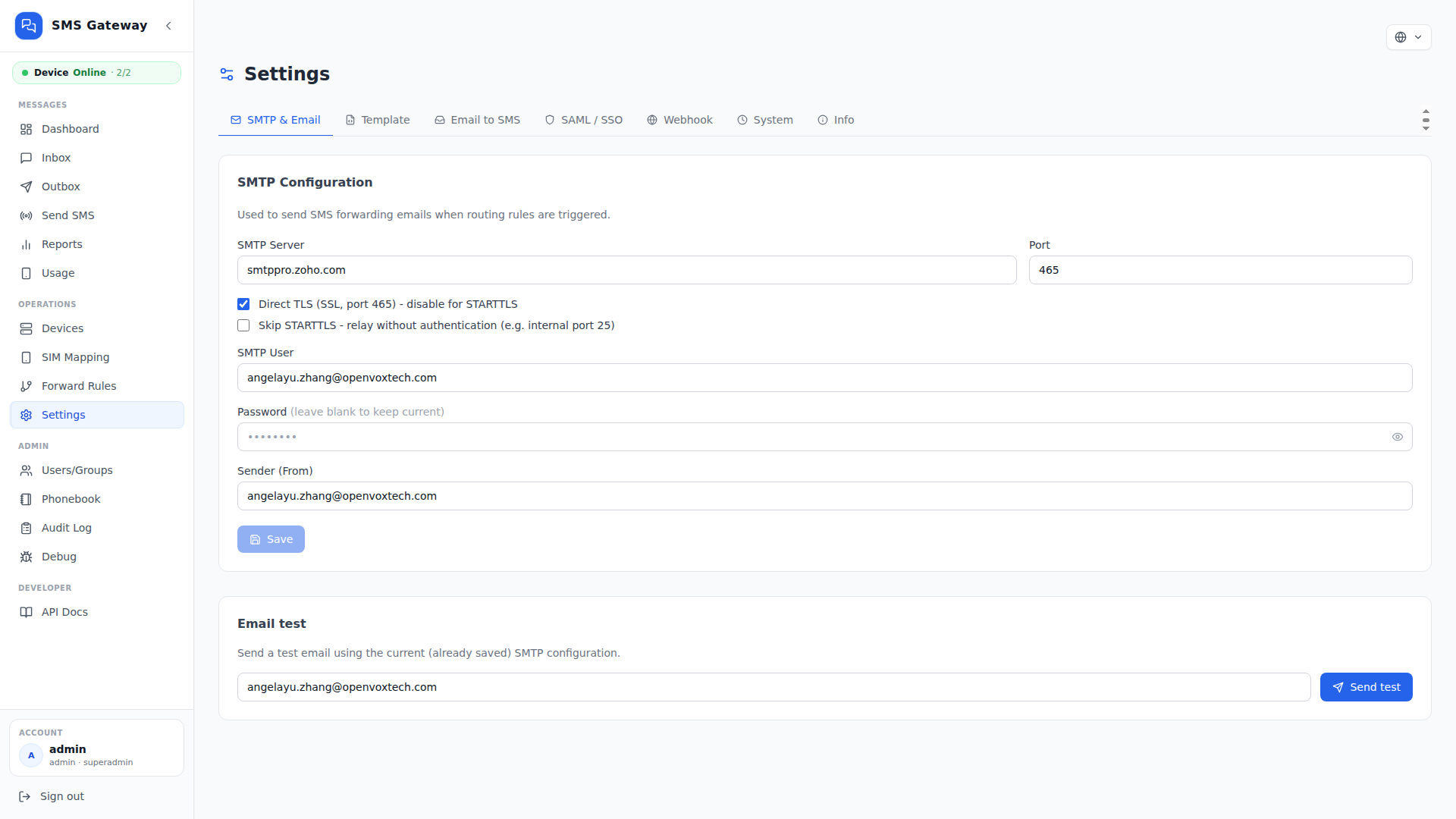
SettingsEmail, webhook, SAML configuration.
OpenVox SMS Gateway Settings interface
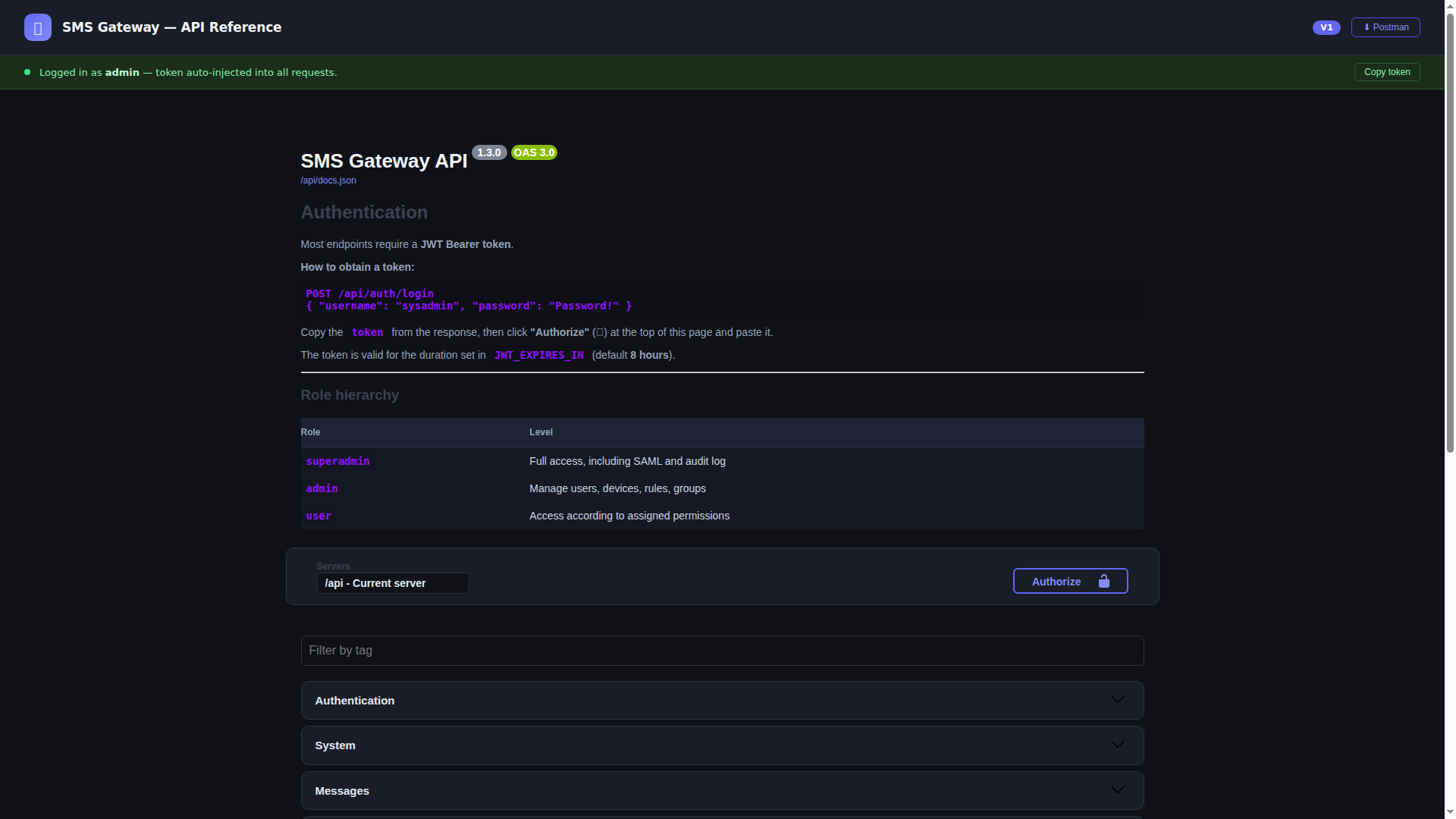
API DocsOpenAPI endpoints for SMS automation.
OpenVox SMS Gateway API documentation interface

Special Features

Key Features & Technical Specifications

OpenVox Gateway Management

Manage OpenVox gateways, device status, ports, and SIM resources from one operations console.

SMS Routing Rules

Route inbound SMS by sender, keyword, OpenVox gateway, SIM port, priority, and business workflow.

Email to SMS Bridge

Send SMS from email and forward received SMS to email for daily operations and team notifications.

REST API & Webhooks

Integrate CRM, ERP, monitoring, and custom systems with REST API, OpenAPI docs, and webhooks.

Reports & Traceability

Review dashboard, reports, SMS activity history, and message outcomes for operational visibility.

Private Access Control

Protect message operations with role-based access, LDAP / SAML, audit trail, and encrypted saved credentials.

Build a unified SMS hub with rich features

  • Real-time dashboard for SMS traffic and gateway health
  • Unified inbox and searchable sent message history
  • Web-based SMS Console: Send and receive SMS from a web console
  • Manual SMS sending with OpenVox SIM port selection
  • Balanced SIM auto-routing with monthly usage limits
  • SIM mapping for OpenVox gateway ports
  • Inbound routing by sender, content, device, or port
  • Priority rules with stop-on-match control
  • Email to SMS and SMS to Email workflows
  • SMS forwarding to email, SMS, or webhooks
  • REST API with built-in OpenAPI documentation
  • Real-time updates for new SMS and device status
  • Gateway & Port Monitoring
  • Reports by day, device, rule, and forwarding outcome
  • Phonebook with local and LDAP contact synchronization
  • Role-based permissions and group visibility
  • LDAP / Active Directory authentication
  • SAML 2.0 enterprise SSO support
  • Audit log for administrative and message actions
  • Private Docker deployment with one-command install

Use Cases

From critical alerts to unified SMS operations

Connect OpenVox gateways to the workflows that need fast delivery, clear routing, and private operational control.

NOC / IoT / Infrastructure

Critical alerts & incident response

Route monitoring, industrial, and field alerts to on-call teams through OpenVox gateways when every minute matters.

  • Infrastructure and device alerts
  • Email, SMS, and webhook escalation

Fintech / SaaS / Applications

OTP & transaction notifications

Connect REST API or Email-to-SMS workflows for verification codes, approvals, appointments, and status updates.

  • Authentication and approval codes
  • Booking and order updates

Support / Operations

Customer support & shared inbox

Bring inbound SMS from multiple OpenVox ports into one console so teams can respond, assign ownership, and keep conversations visible.

  • Shared team handling
  • Role-based visibility

Automation / Integrations

Rules-based message routing

Match sender, keyword, content, device, or SIM port, then send each message to the right mailbox, webhook, API workflow, or operator.

  • Priority and stop-on-match rules
  • Automated forwarding paths

Field Service / Remote Operations

Field service & remote operations

Coordinate staff, remote endpoints, and branch equipment through SIM-aware outbound messaging with delivery status in one place.

  • Remote maintenance coordination
  • Port selection and SIM balancing

Enterprise / Governance

Private SMS governance & audit

Keep message history, delivery records, permissions, and administrative actions inside your environment for traceable operations.

  • Searchable message and admin history
  • Private deployment and access control

Deployment compatibility

Run SMS Gateway on the Linux systems your team already trusts

Deploy SMS Gateway on common server distributions, keep message operations in your private environment, and connect OpenVox gateways without redesigning your infrastructure.
Validated Linux distributions Private on-premise deployment Direct OpenVox gateway integration
11-13
22.04+
8-10
8-10
8-10
8-10
43-44
3.21+
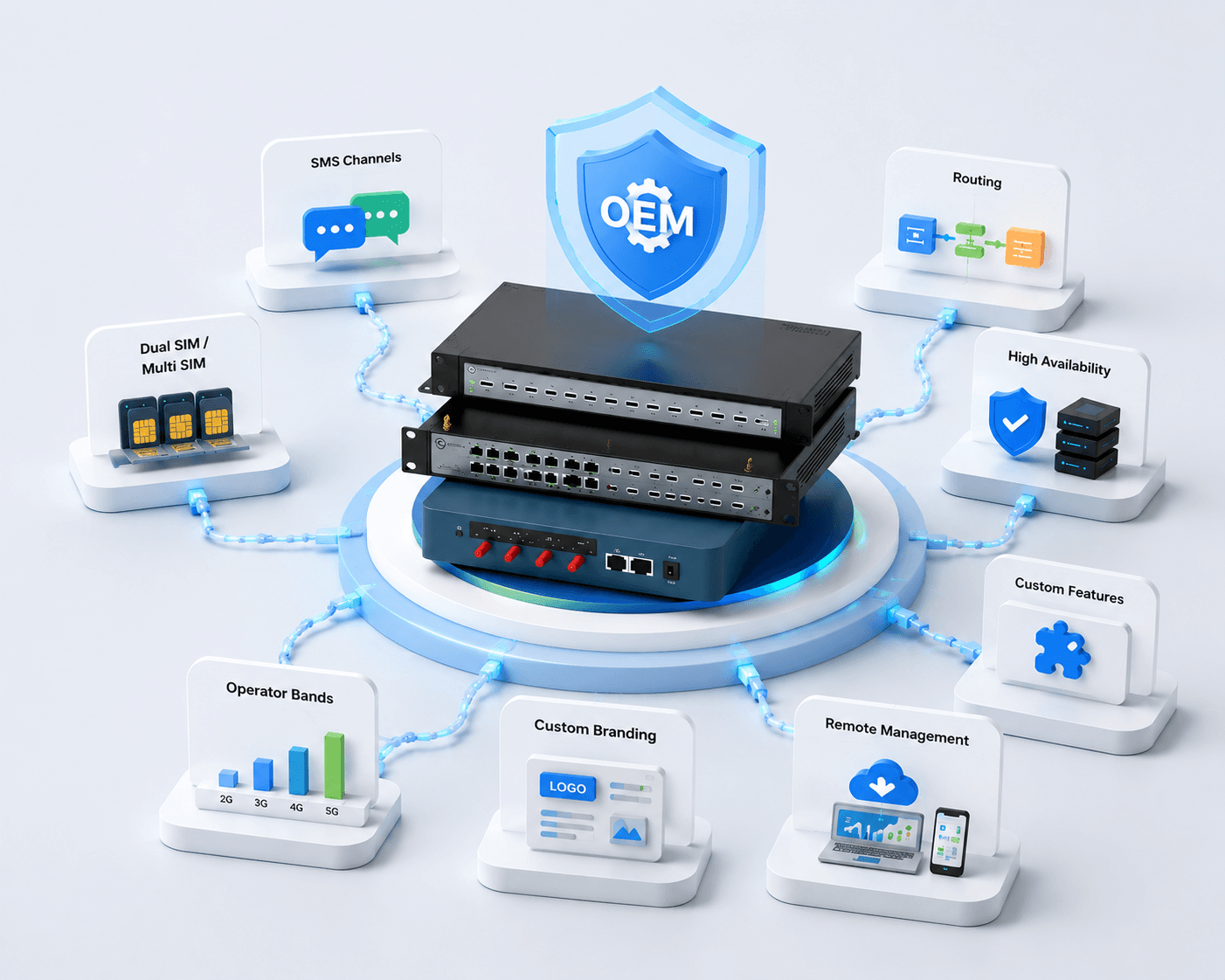
SMS Gateway customized service and integration illustration

Custom Services

Start with the free version. Extend it for your business.

The free SMS Gateway version covers the essential features for getting started. When your workflow needs more, we can provide tailored services and integrations to support different customers, industries, and application scenarios.

Talk to our team

Frequently Asked Questions

OpenVox gateways provide GSM/LTE connectivity and SIM resources. SMS Gateway adds the operations layer for sending and receiving SMS, gateway and port visibility, routing rules, API workflows, delivery history, reports, and controlled team access.

Configure the OpenVox connection in SMS Gateway, then monitor device, port, SIM, and gateway status in one console. Outbound messages use the configured resources, while inbound events and delivery outcomes remain tied to the originating port.

You need the gateway address, configured management endpoint, and valid credentials. The SMS Gateway server must reach the gateway over the internal network or an approved routed connection, while firewall and credential policies remain under your control.

Run curl -fsSL https://sms.openvox.cn/install | sudo sh on the target Linux server. The installer checks the environment, prepares Docker and Docker Compose when required, creates persistent runtime directories, and starts the services.

After installation, open the web console on the default port 4674.

Validated server distributions and versions currently include:

  • Debian: 11, 12, and 13
  • Ubuntu: 22.04, 24.04, 25.10, and 26.04
  • RHEL, Rocky Linux, AlmaLinux, and Oracle Linux: 8, 9, and 10
  • CentOS Stream: 9 and 10
  • Fedora: 43 and 44
  • Alpine Linux: 3.21, 3.22, 3.23, and 3.24

Confirm the target host in the compatibility section and deployment guide before a production rollout.

The default external web port is 4674, and the backend listens on internal port 4673. The OpenVox gateway management endpoint must be reachable from the backend; AMI commonly uses port 5038 when enabled.

Docker Compose runs the frontend and backend services. SQLite is created and migrated automatically without a separate database container.

SIM Mapping exposes port status, carrier, IMEI, SIM number, balance settings, and monthly limits. Messages can use a specific port or balanced routing.

Automatic selection favors the lowest usage ratio, excludes saturated SIMs, and respects each user's allowed-port permissions.

Yes. Rules can match sender, content, regular expressions, device, port, and priority, then forward messages to email, SMS, webhooks, or API consumers.

REST endpoints and OpenAPI documentation support outbound automation, while the allowed-host policy can restrict webhook destinations.

Keep SMS Gateway in your private environment and apply role-based permissions, group visibility, LDAP or SAML authentication, encrypted saved credentials, and audit logs for administrative and message actions.

Set a strong JWT secret and change the initial administrator password before production use.

Capacity depends on the connected OpenVox gateways, active SIM ports, carrier policies, and message mix. Add gateway resources or eligible SIM ports as demand grows.

Use balanced routing to distribute traffic, then use the dashboard, reports, and delivery history to identify saturation or failed routes.