Administrative office calling
Use business calling, transfer and forwarding for daily internal and external communication.
Bring campus offices, classrooms, retained phones and paging zones into one coordinated communications plan so each area can use the calling and announcement paths its work requires.
The campus challenge
Administrative teams, classrooms and public areas may rely on different endpoint types and communication methods.
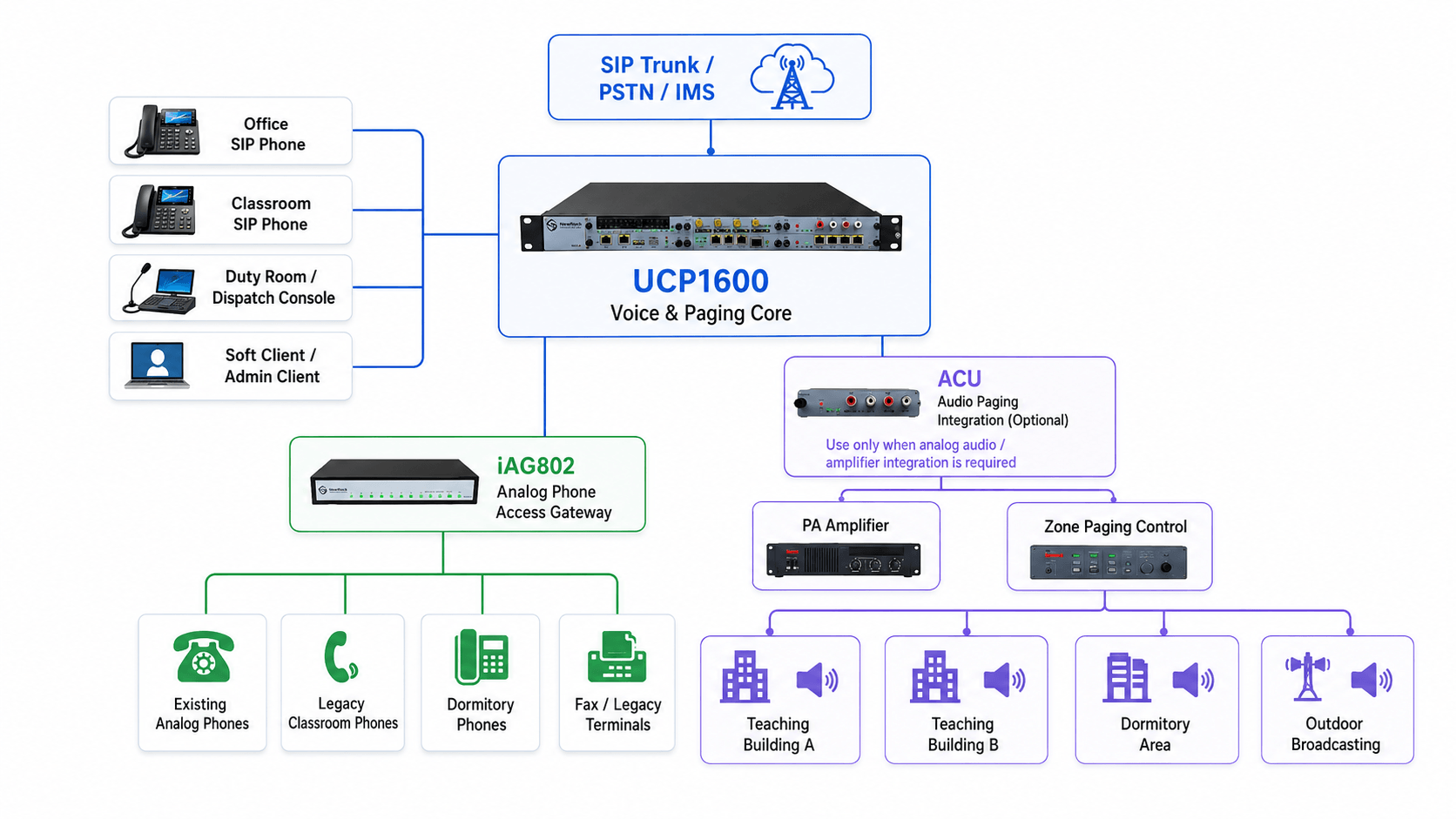
A campus voice design combines retained analog phones, SIP endpoints, business calling and paging functions under a centrally managed UCP architecture.
Use business calling, transfer and forwarding for daily internal and external communication.
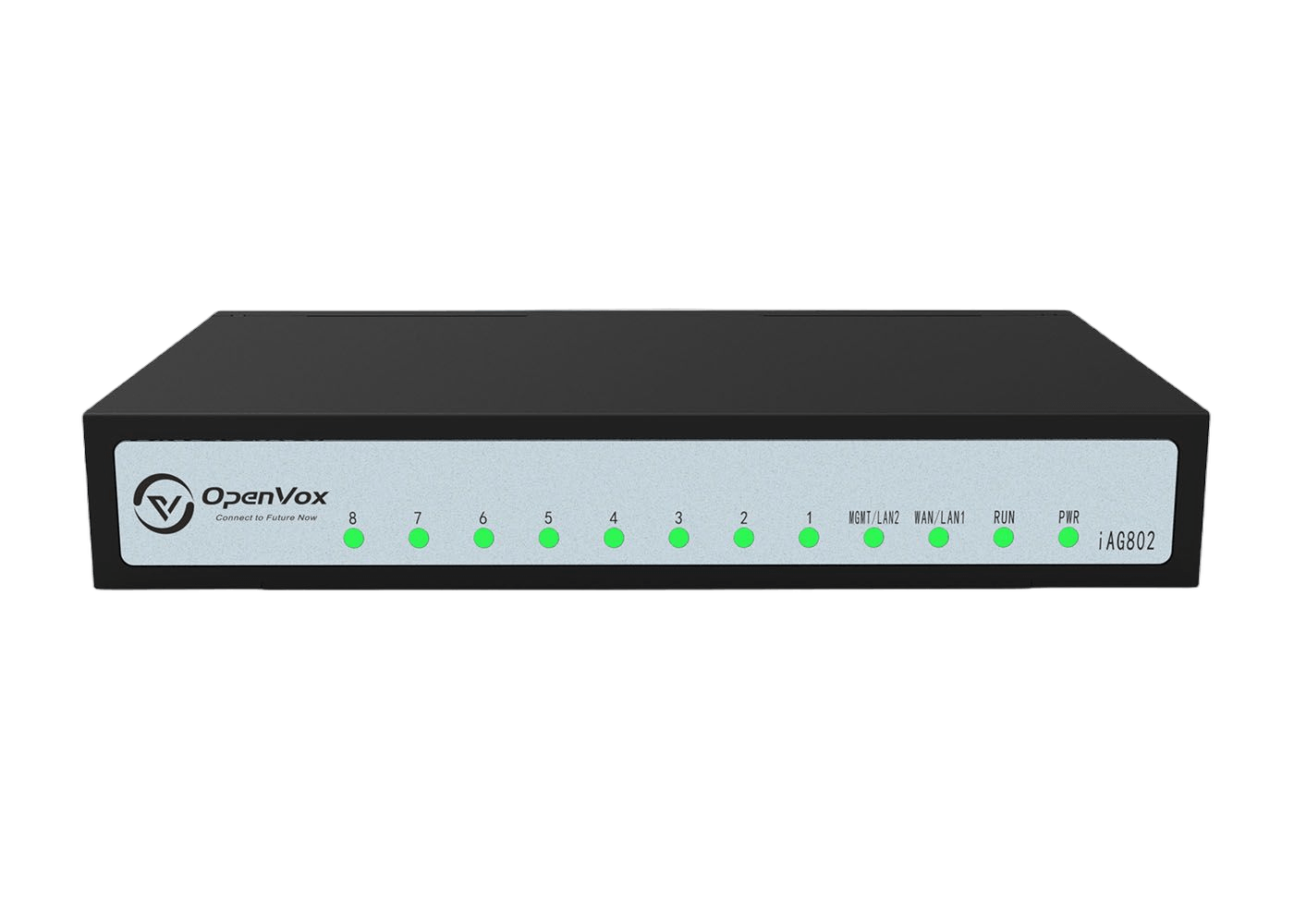
Retain validated analog endpoints through FXS gateway capacity.
Deliver paging to defined endpoint groups for routine or urgent information.
Use distributed networking and SIP interconnection for shared management.
Campus architecture
Administrative offices, classrooms, service areas and paging groups can share one communication plan while each campus zone keeps the endpoint role it needs.
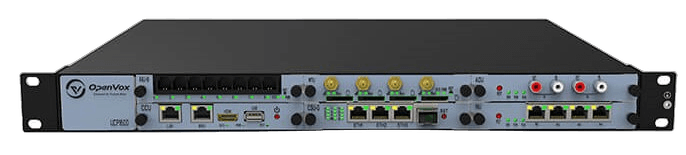
Documented campus calling core
Business calling and reception
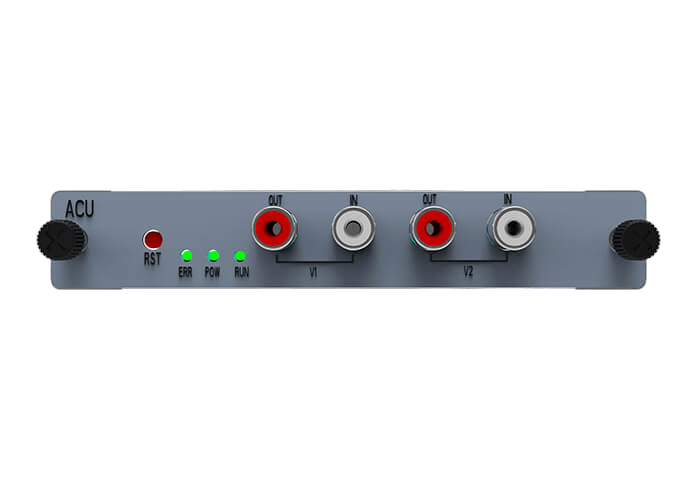
iAG802 access for retained analog phones
Routine and emergency zones
Inter-site calling and local access
Identify buildings, service areas and the users responsible for each communication task.
Do not treat every endpoint or announcement group as the same requirement.
Keep numbering, permissions and paging behavior reviewable from the shared core.
The project begins with zones, users, existing phones, paging groups, trunks and continuity requirements.
List offices, classrooms, public areas and additional sites.
Record analog phones, SIP phones and paging endpoints.
Set numbering, permissions, transfer and group communication.
Select UCP, gateway and continuity roles according to the campus map.
The final design assigns each OpenVox product family a defined campus responsibility.
Based on an OpenVox education deployment and UCP capability documentation.
An OpenVox education case uses UCP, PSTN access, wireless backup and IAG gateways.
IAG gateways connected the customer’s existing analog office phones.
The deployment introduced shared internal and external calling management.
UCP documentation includes paging, hotline and priority calling capabilities.
Share buildings, users, existing phones, paging groups, trunks and continuity requirements. OpenVox can help define the UCP, gateway and SIP roles.