
Connect local PSTN lines
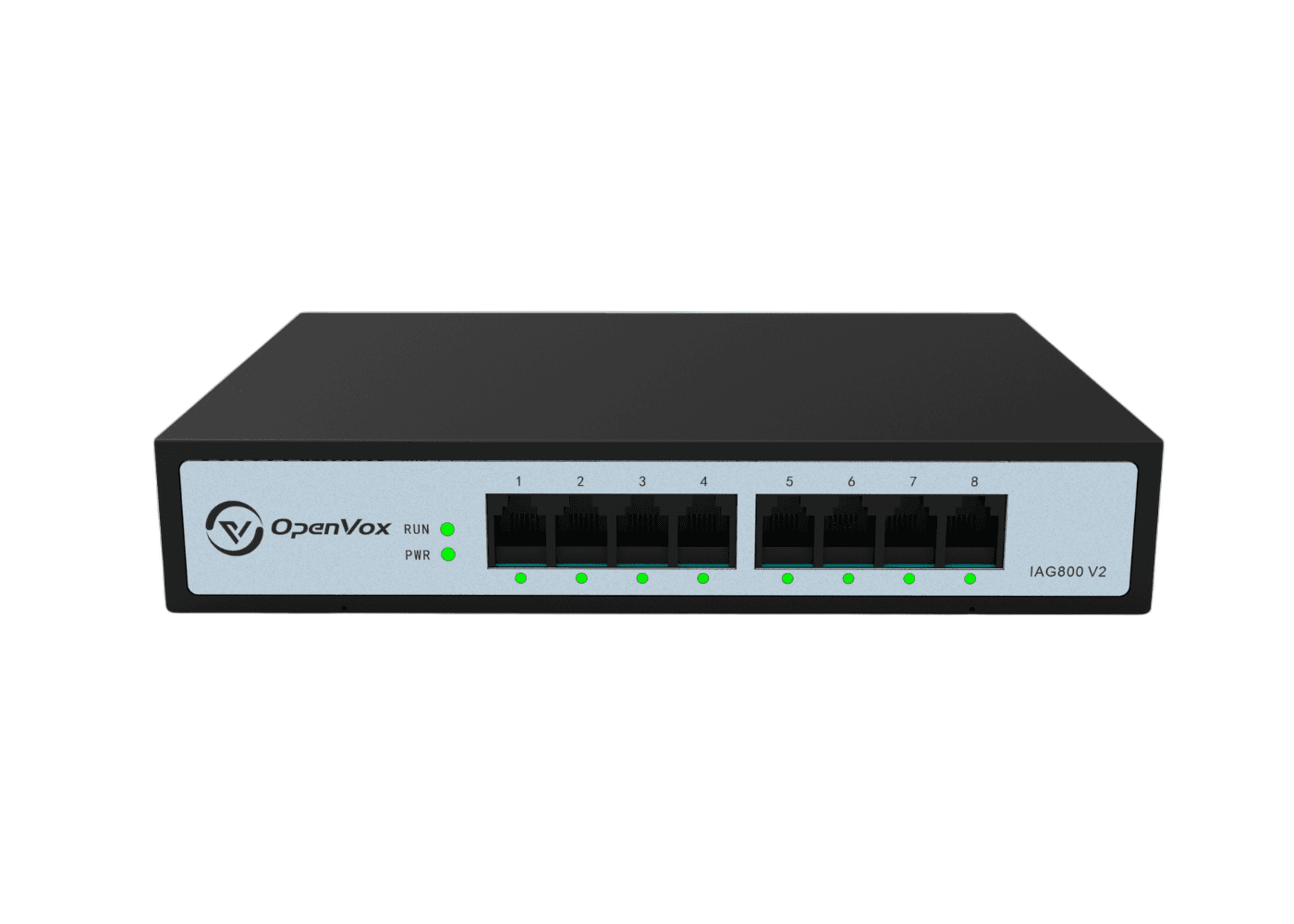
Use FXO access when the carrier or existing site presents analog telephone lines.
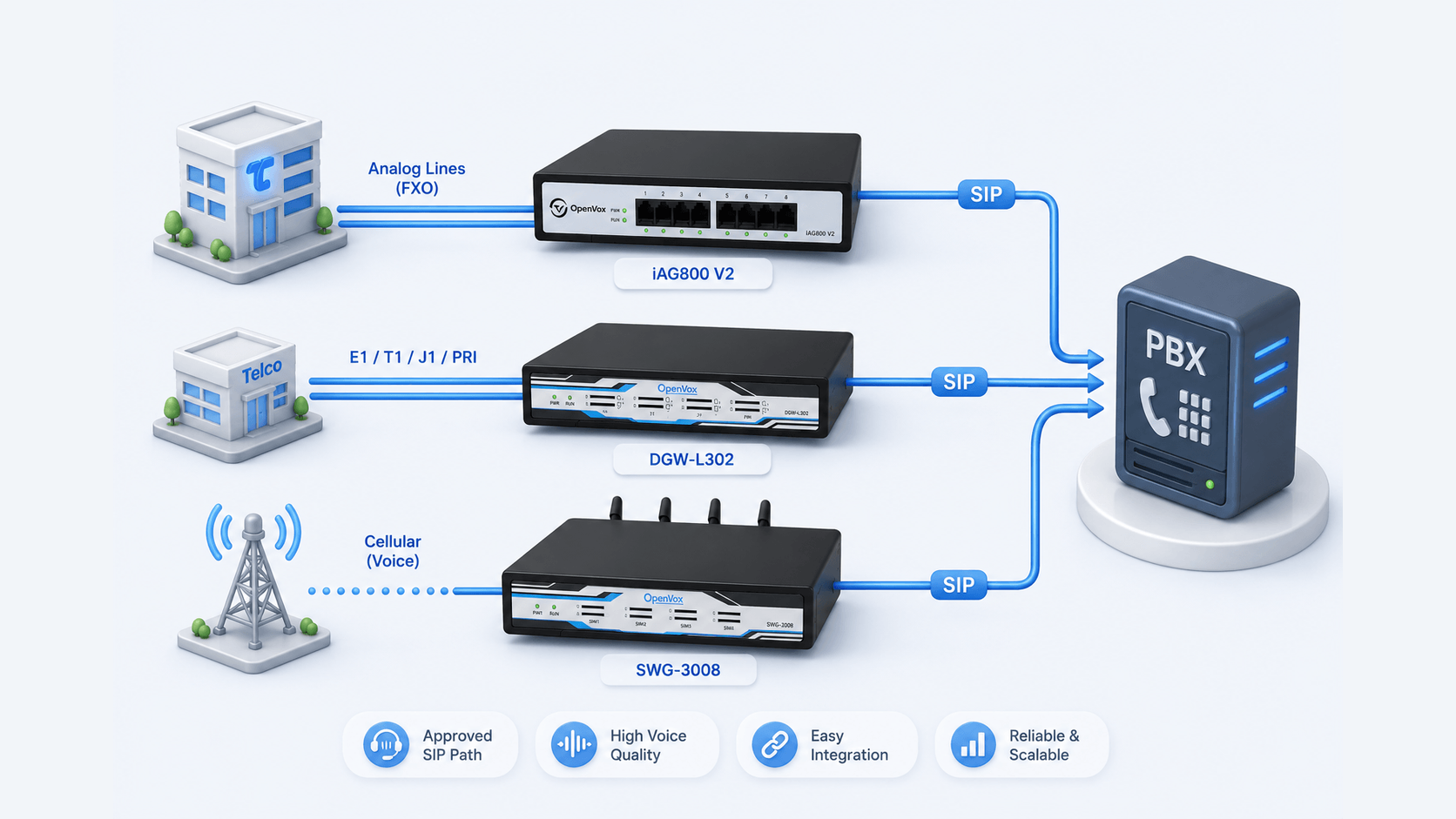
Bring analog, digital and cellular external lines into the PBX through a controlled SIP connection. Match each line type to the required interface while keeping numbering and call routing under the existing PBX.
The connection gap
A new carrier, branch, backup path or capacity requirement can introduce analog, digital or cellular lines that the existing PBX cannot connect directly.
OpenVox gateways translate the required line type into SIP, allowing the PBX to add external calling without changing its role in the wider voice design.
Use FXO access when the carrier or existing site presents analog telephone lines.
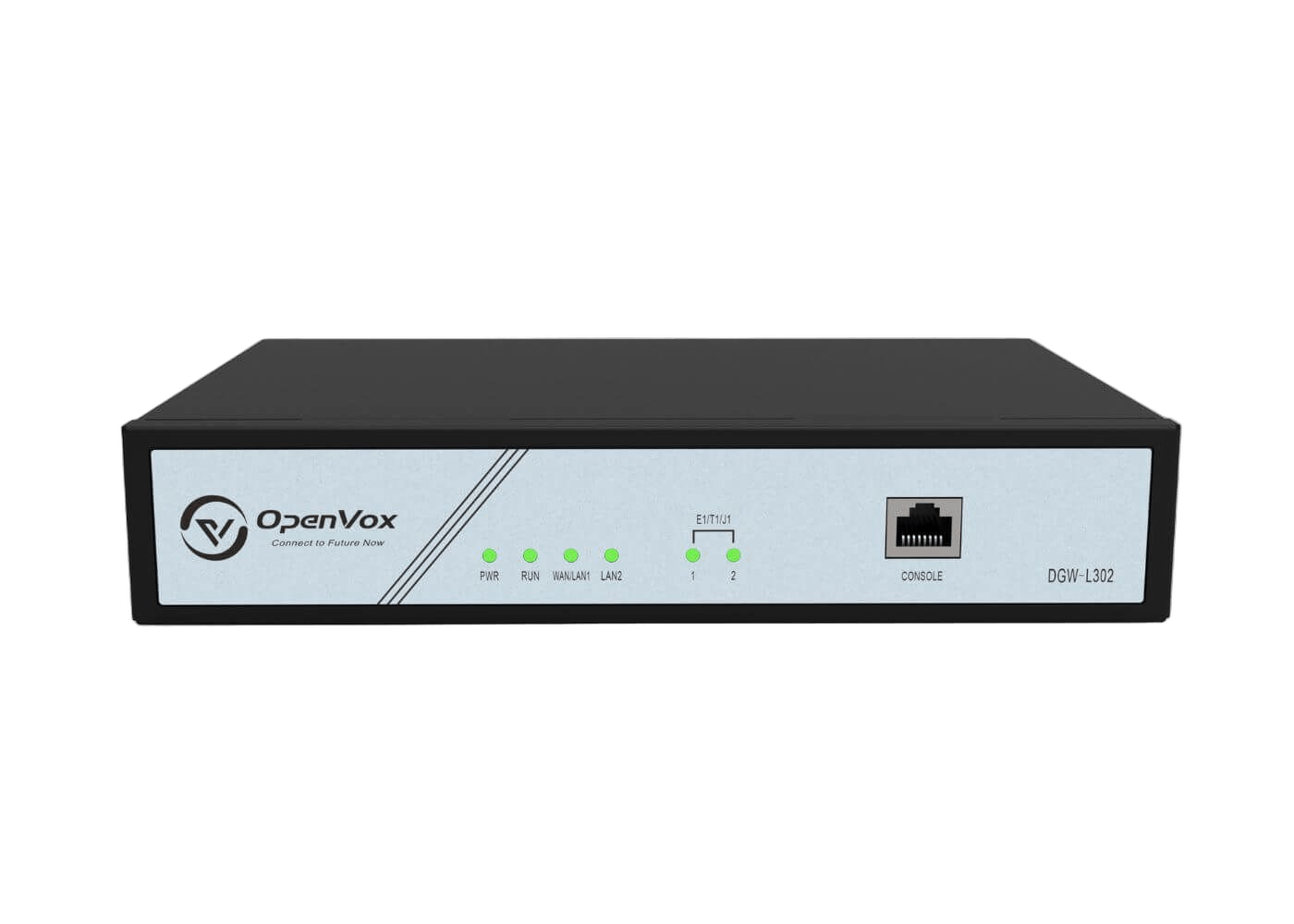
Use digital gateway capacity for documented E1/T1/J1 and signaling requirements.
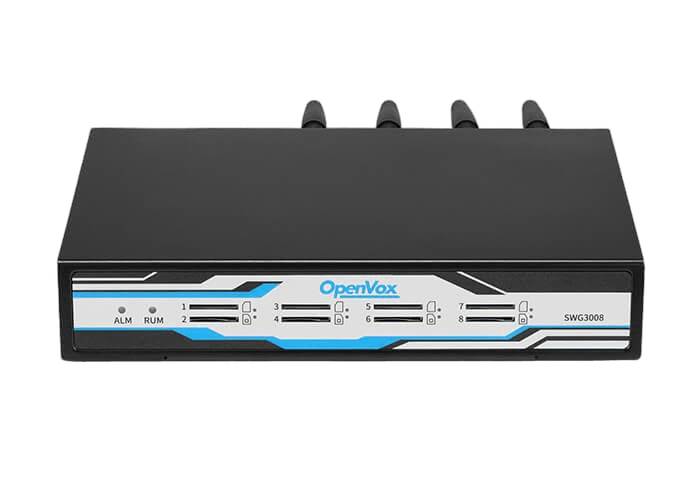
Add cellular channels as a primary, supplemental or backup trunk according to the deployment.
Assign each trunk group to a specific route, site or continuity requirement.
Unified SIP access
Analog, E1/T1/J1 and cellular services enter through different gateway roles, then reach the PBX through a controlled SIP connection.
FXO carrier access
Digital carrier access
GSM, WCDMA or LTE
Gateway matched to each line type
Routing and business calling
Record the physical line, signaling and capacity before selecting a gateway role.
Analog, digital and cellular services remain distinct access paths.
Present the approved access path to the PBX for numbering and routing decisions.
Analog, digital and cellular gateways solve different line-access problems and should not be treated as interchangeable.
Based on OpenVox analog, digital, cellular and SIP documentation.
OpenVox FXO products connect analog lines to SIP and IP-PBX environments.
Documented models support selectable digital trunk and signaling roles.
OpenVox cellular products provide GSM/WCDMA/LTE voice access.
Capacity, call direction and primary or backup routing are confirmed before selection.
Share the carrier interface, channel requirement, phone numbers, current PBX and intended primary or backup role. OpenVox can help identify the appropriate gateway family.